A free CBC Gem account is a useful starting point for local CBC television or CBC News Explore. Premium addresses a different need: ad-free on-demand episodes and live CBC News Network. Your choice depends on the exact content you want, rather than the word “free” alone.
This Canadian comparison uses CBC’s own app descriptions. Start by identifying your channel or episode, then check the offer that applies to your purchase before paying.
Free account or Premium: the useful differences
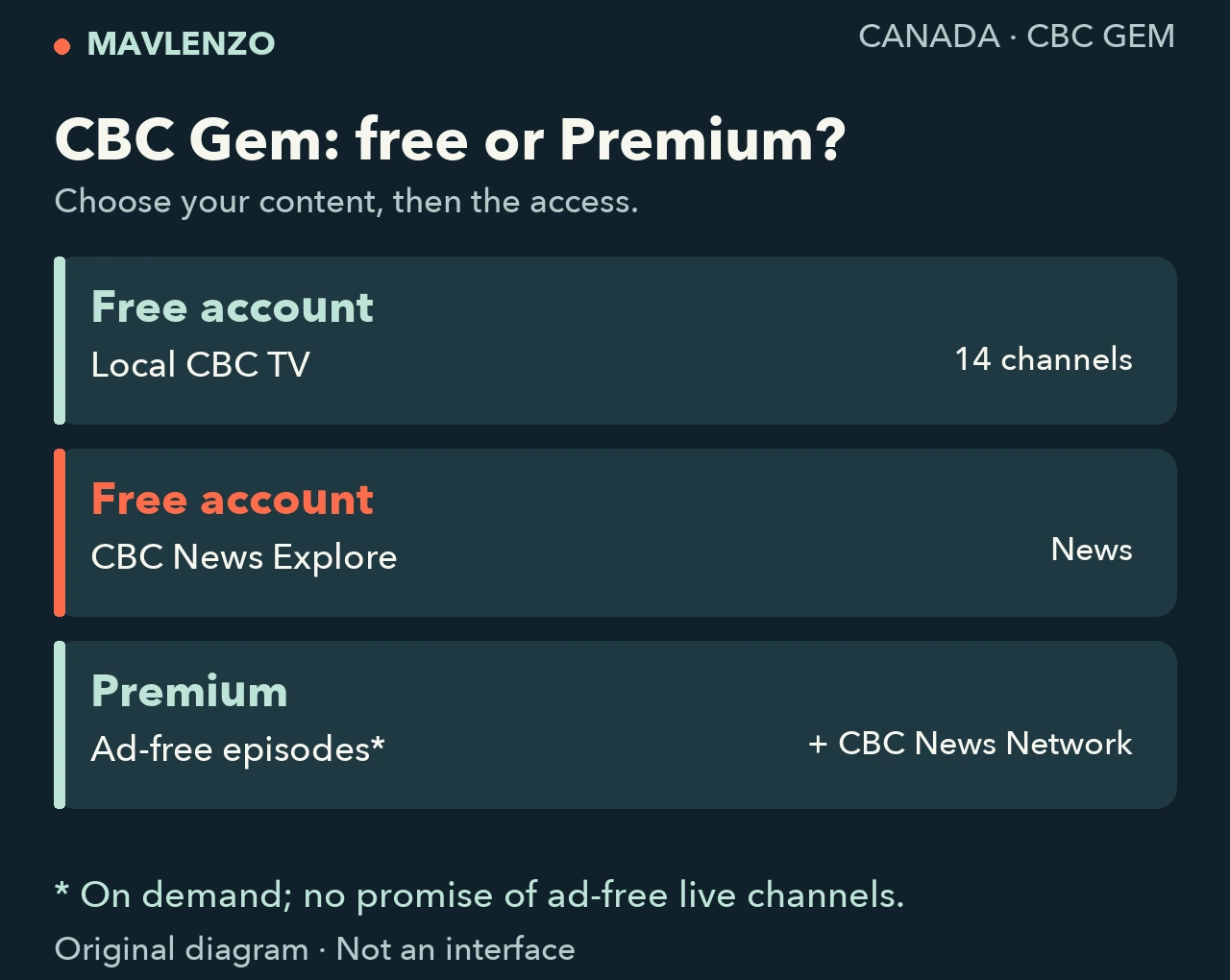
The Canadian App Store listing for CBC Gem describes the access below. Its local-channel count does not mean the same number of separate news services.
| Your need | Access to consider | What to check |
|---|---|---|
| Local CBC television | Free account: 14 listed local CBC TV channels | Your local stream and chosen programme |
| CBC News Explore | Free account | The full channel name |
| Live CBC News Network | Premium | Do not confuse it with News Explore |
| Ad-free on-demand episodes | A stated Premium feature | Your episode and viewing mode |
For news, check the complete channel name
CBC News Explore and CBC News Network are separate names. CBC’s description on Google Play places the former under its free account and the latter under Premium. A shopping list that says only “watch CBC News” can therefore point you towards the wrong access option.
Write down the name shown in the programme information or recommendation you received. Compare it with the name presented in CBC Gem. If you are looking for a local newscast at a particular time, check the programme and local stream you need; a news-network name alone does not settle that question.
On demand and live: keep the two tasks separate
CBC describes Premium as offering ad-free on-demand episodes. That statement covers a particular viewing mode; it does not establish that every live channel will be free of advertising.
Decide whether you want to start an episode when it suits you or follow a programme as it airs. For the first task, examine the episode you want and its viewing information. For the second, identify the stream and schedule. Carry that distinction into your subscription comparison: a preference for live viewing is different from a preference for episodes without advertising breaks.
Three situations to guide your choice
These are fictional examples designed to make the decision easier to organise.
- You mainly want a local channel: examine the free account and chosen stream first. Identify what is actually missing before selecting a paid option.
- Someone recommended a news channel: ask for its complete name. Similar names do not establish that two services provide the same content.
- You prefer ad-free on-demand episodes: consider Premium, then check the title, device and offer displayed. A feature list does not certify that every season is currently available.
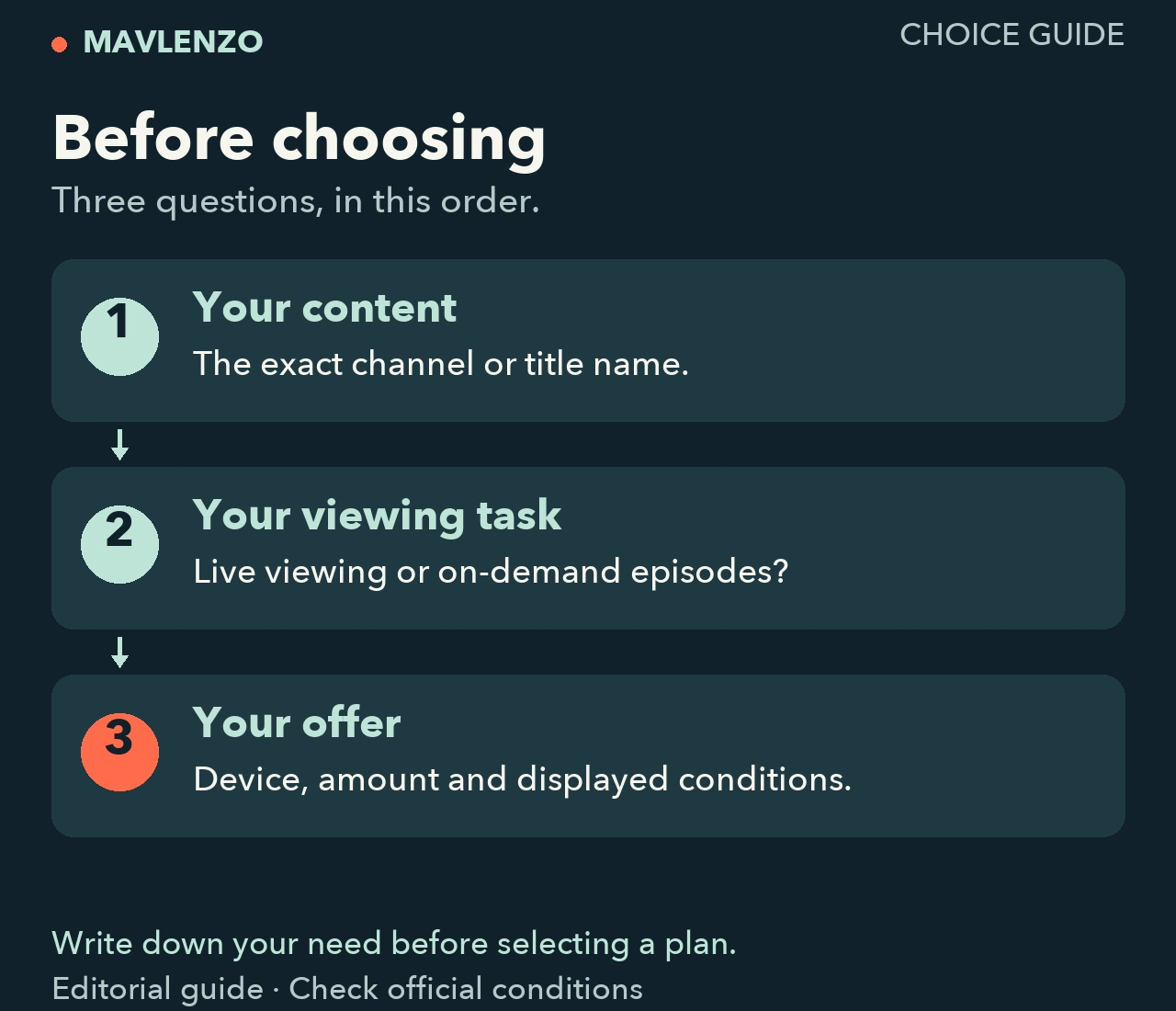
Video transcript
- The free account lists 14 local CBC TV channels.
- CBC News Explore is listed with the free account; CBC News Network is listed with Premium.
- Premium lists ad-free on-demand episodes, not a promise of advertising-free live channels.
- Before choosing, check the content, your device and the offer’s conditions.
Your checklist before subscribing
- Content: record the full channel or title name, plus the season and episode where relevant.
- Viewing task: write “live” or “on demand”, followed by the feature that matters to you.
- Device: note the model and operating system. Our guide to choosing a streaming device helps you gather those details; the service’s own listing remains the reference for its app.
- Purchase: read the amount, currency, taxes, billing period and conditions presented in your purchase flow. Check where the subscription will be managed before confirming it.
CBC’s description restricts content streaming to Canada. An English or French version of this guide does not establish a particular programme’s audio or subtitle languages: check the options for the title you want.
Sources and method
This is a documentary comparison of CBC’s descriptions consulted on October 23, 2026, Montréal time: App Store Canada and Google Play. Both listings have the same publisher; they are not two independent tests. We did not test a subscription, stream or device. The diagrams and video are original explanations, rather than interface captures. This guide does not certify a universal purchase price.
Disclosure: Mavlenzo sells its own IPTV subscriptions, which are separate from CBC Gem. This comparison claims no affiliation or inclusion of CBC Gem in our plans. Find other practical tasks in our guides and articles.