Guides & articles
Practical explanations to understand IPTV streaming, prepare your equipment and troubleshoot common issues.
WHERE TO START
Choose by what you need
Find the right path, then open the guide that answers your question.
Compare streaming plans
Understand free and paid plans in Canada with our comparisons of ICI TOU.TV, CBC Gem and Crave. For budget and simultaneous viewing, see our guide to Netflix plans in Canada; for sharing with another adult in your household, see Amazon Family.
Check your connection or YouTube controls
Check your connection with the FAST.com tutorial. On a computer, follow the steps to adjust YouTube captions or change playback speed and return to Normal.
Set up or troubleshoot a device
Prepare for installation with our device guides. If a video keeps stopping, start with the playback troubleshooting guide. For a picture with no sound, the Apple TV diagnostic guide distinguishes the HDMI box, the app and AirPlay.

Getting started with an IPTV subscription
What to prepare before your first subscription request.
Read the guide ↗
Choosing your streaming device
What to check on your screen and in your app.
Read the guide ↗
Playback buffering: a practical checklist
A simple way to narrow down possible causes.
Read the guide ↗More articles
Disney+ gift cards in Canada: check before giving
Before giving a Disney+ card in Canada, check its country, card type, direct billing and required balance.
Roku captions: app setting or player mode?
Missing Roku captions? Check the app setting, Roku mode and title track before resetting everything.
Pluto TV in Canada: what to do if you missed the start
Missed the beginning on Pluto TV? Check whether restart is offered, find the matching episode on demand or continue live.
Netflix 4K: compare the TV app and HDMI player
Does your TV app show 4K while your HDMI player shows HD? Compare the labels and picture using a worksheet for two…
Netflix narration or VoiceOver on Apple TV? Choose the setting
A voice narrates scenes or reads menus? Separate the Netflix audio track from VoiceOver on Apple TV 4K and choose the matching…
Prime Video Ad Free in Canada: know the option’s limits
Prime movies, live content, add-ons and trailers: check what Ad Free changes before paying for the option in Canada.
Hoopla in Canada: understand a borrow refusal
Monthly balance, collective limit, Instant or Flex: identify the Hoopla message and choose the next legitimate action without bypassing your library.
Samsung TV: record the four correct identifiers
Model code, serial number, TV software and app version: find the right value before a download or support request.
Kanopy in Canada: check your tickets before starting a film
Check your library, ticket balance, title cost and viewing window. A worksheet and two fictional cases help you decide before Play on…
Netflix parental controls: choose the right setting for each profile
Maturity rating, blocked title or PIN: choose the right Netflix control and check the other profiles. A practical worksheet for Canadian households.
Netflix download blocked: identify the limit before deleting
Expired title, download allowance, too many devices or a last-download warning: identify the Netflix message and consequences before removing your files.
Paramount+ Canada: choose Standard or Premium for your needs
Compare simultaneous streams, downloads and 4K. Three household scenarios for choosing a Paramount+ plan in Canada without paying for features you do…
Disney+ Canada: annual or monthly billing—which costs less?
Compare Disney+ costs over 3, 6, 10, 11 or 12 paid months. Canadian-dollar calculations and checks before choosing annual billing.
Samsung TV app not working: choose before resetting
A Samsung TV app closes or will not open? Compare restart, app deletion and Smart Hub reset, their effects and the check…
Cancel or pause Netflix in Canada: when does billing resume?
Compare Netflix cancellation, pause and restart in Canada. Track access, billing dates and payment-partner conditions before confirming.
Crave and ICI TOU.TV: TV app, Chromecast or AirPlay in Canada?
Compare Crave and ICI TOU.TV viewing routes: ad-supported casting limits, LG apps, integrated or external Chromecast, and relevant receiver help.
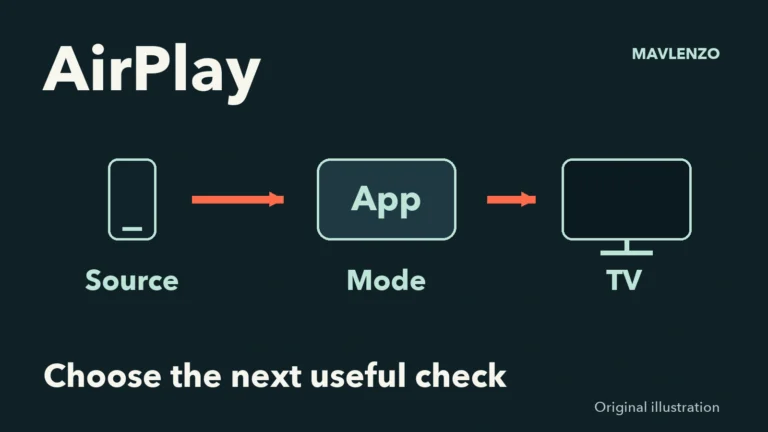
AirPlay not working? Choose the next useful check
Missing button, missing TV or playback failure? Choose AirPlay checks for your iPhone or iPad, then prepare a useful support worksheet.
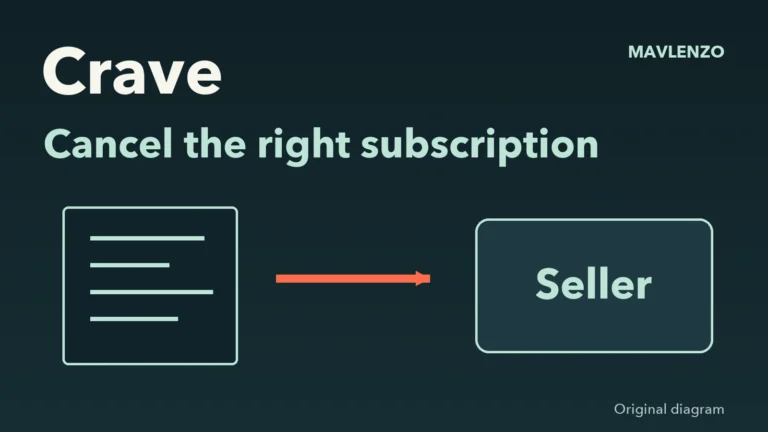
Cancel Crave in Canada: who bills you?
Find who bills your Crave subscription, choose the right cancellation route and keep the confirmation and displayed access end date. Canada guide.
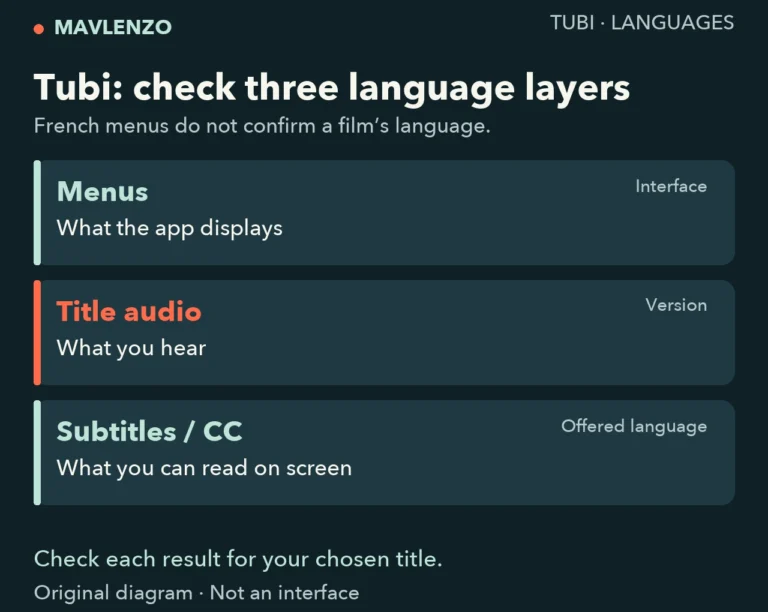
Tubi in French in Canada: menus, audio and subtitles
Check Tubi menus, title audio and subtitles separately in Canada. Use a per-title worksheet and device pointers to confirm the French options…
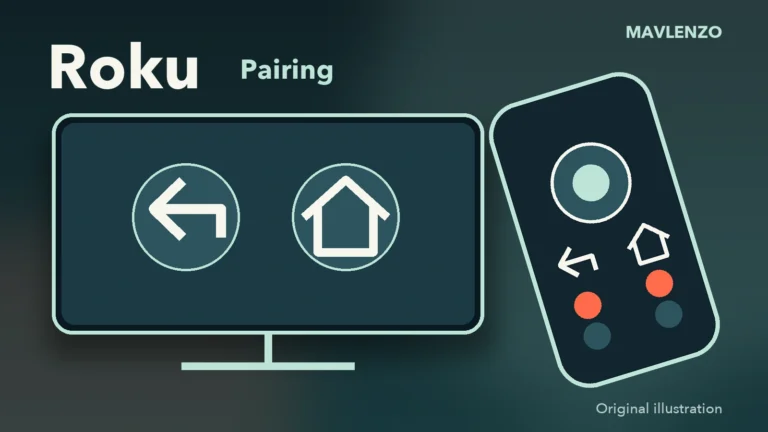
Roku remote pairing: choose the right buttons and checks
Simple or voice remote, with or without a pairing button? Choose the right Roku steps and separate pairing, remote restart, TV volume…
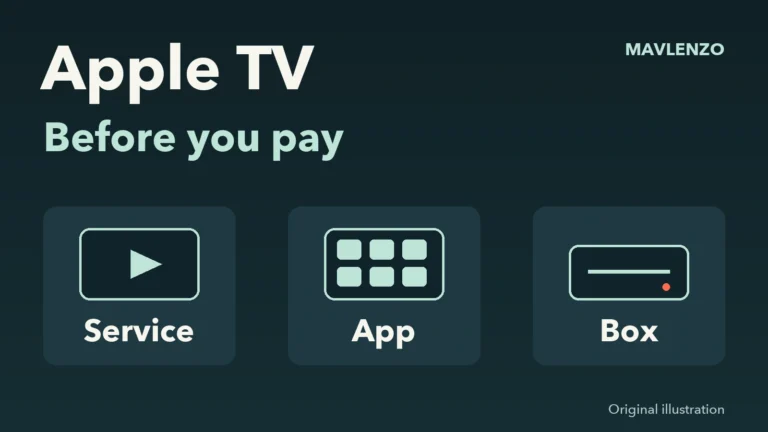
Apple TV in Canada: subscription, app or box?
Separate the Apple TV subscription, app and box in Canada. Check included content, your existing offer and your device before paying.
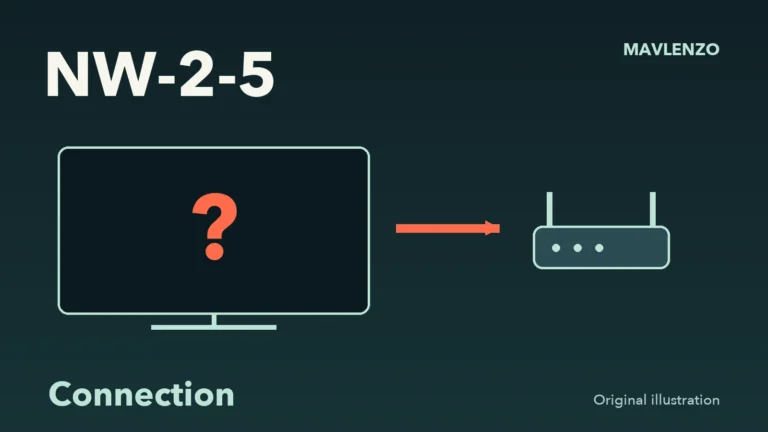
Netflix NW-2-5: choose the right connection checks
Choose useful Netflix NW-2-5 checks for your device and network, record the results and prepare a clear worksheet for your Internet provider.
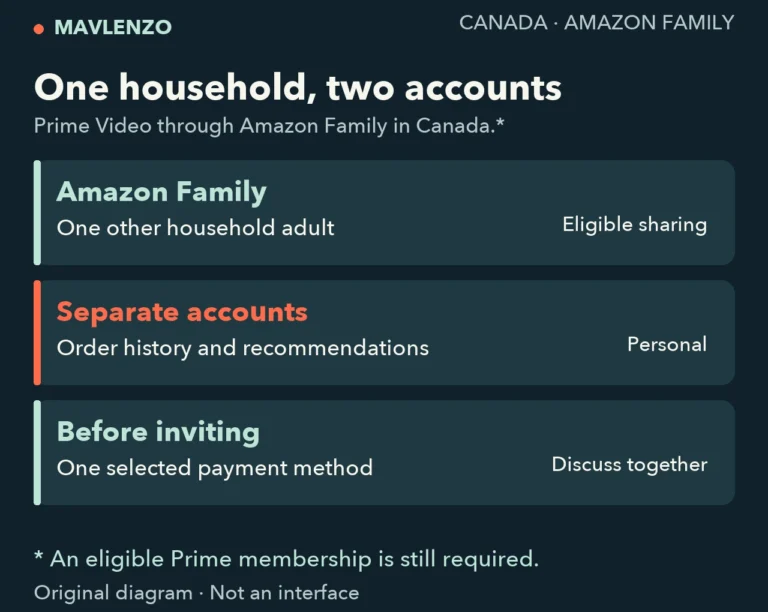
Amazon Family Canada: sharing Prime Video with another adult
Share Prime Video in Canada through Amazon Family: household eligibility, separate accounts, shared payment and checks before inviting another adult.
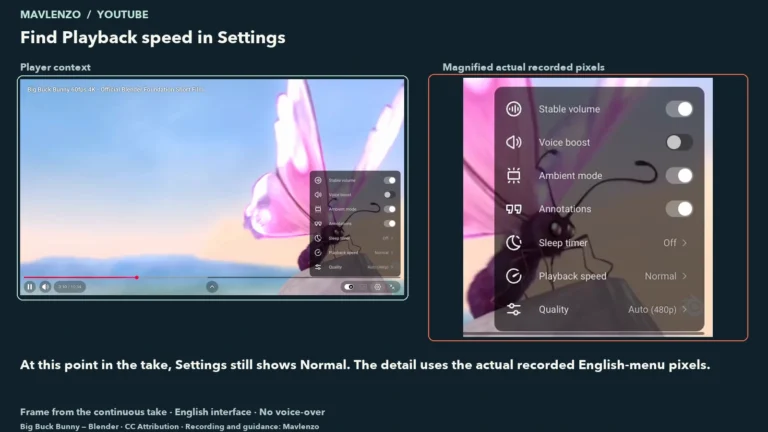
YouTube playback speed on a computer: change it and return to Normal
Change YouTube playback speed on a computer and return to Normal. Compare the speed menu with temporary hold-for-2×, with steps and device…
Find your device.
Start with your system and model. The guide prepares installation; our team confirms the player for your access.
Samsung TV · Tizen
Apps store and Tizen model.
Prepare my device ↗TVLG TV · webOS
Apps and webOS version.
Prepare my device ↗TV / boxGoogle TV & Android TV
Identify the system and install a TV player.
Prepare my device ↗BoxAmazon Fire TV & Fire TV Stick
Check the model, Fire OS or Vega OS.
Prepare my device ↗BoxApple TV · tvOS
Box generation and tvOS App Store.
Prepare my device ↗MobileAndroid phone & tablet
Google Play, player and mobile connection.
Prepare my device ↗MobileiPhone & iPad
App Store, player and casting to a screen.
Prepare my device ↗ComputerWindows PC
Desktop player and Windows details.
Prepare my device ↗ComputerMac · macOS
macOS edition and player listing.
Prepare my device ↗TV / boxRoku TV & Roku player
Roku store and player login method.
Prepare my device ↗TVHisense & other TVs · VIDAA
Exact model and VIDAA system apps.
Prepare my device ↗BoxMAG box · check your access mode
Portal or app: confirm suitable access.
Prepare my device ↗CastingChromecast & Google Cast
Cast-enabled app and receiving screen.
Prepare my device ↗Choose your plan. Let’s take it from here.
Send a message to check your device and request your subscription.