Yes: in Canada, Amazon Family lets an eligible Prime member share Prime Video with one other adult in the same household, while each keeps a separate Amazon account. It is worth considering if you live together and want individual logins. Before inviting anyone, agree on the shared payment method and the information it makes visible.
Does it fit your situation?
| What you need | Useful answer | Next action |
|---|---|---|
| Two household adults want their own accounts | That matches the Amazon Family arrangement | Check the Prime membership type and discuss shared payment |
| A relative lives elsewhere | That does not match the Canadian announcement’s household condition | Consider an individual offer rather than assuming this sharing is permitted |
| The membership is Prime Young Adult | The Canadian announcement excludes it from benefit sharing | Check the membership name in the account before inviting anyone |
| You only want an add-on channel or a rental | The announced Prime Video benefit does not establish access to that offer | Check the specific offer and its price before paying |
Amazon Canada’s July 20, 2026 announcement confirms the other adult, the Prime Video benefit and the Prime Young Adult exclusion. It describes Family setup without an additional sharing fee; one adult must still hold Prime. This does not make the underlying membership free for both people.
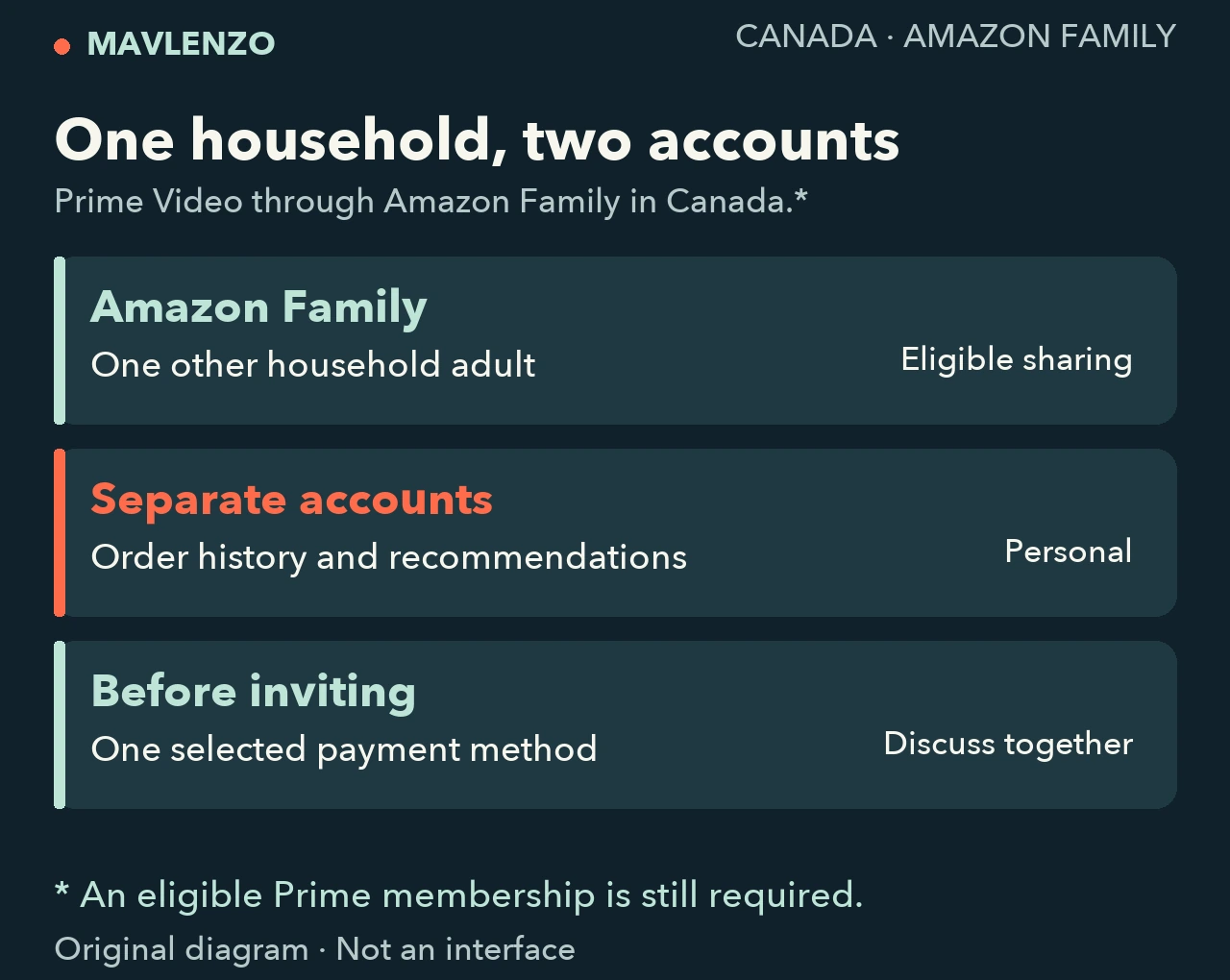
What stays personal, and what becomes visible?
Each adult keeps their account, order history and recommendations. Amazon says this route does not require sharing a password or one-time code. Using one login between you, or creating a viewing profile on a TV, therefore does not replace the Amazon Family process.
The organizer selects a shared payment method. The other adult can see its last four digits, expiry date and billing address. The organizer receives a notification with the charge total for purchases made using it. Before proceeding, agree on the selected method and how you will handle those purchases. Separate accounts do not remove this financial consideration.
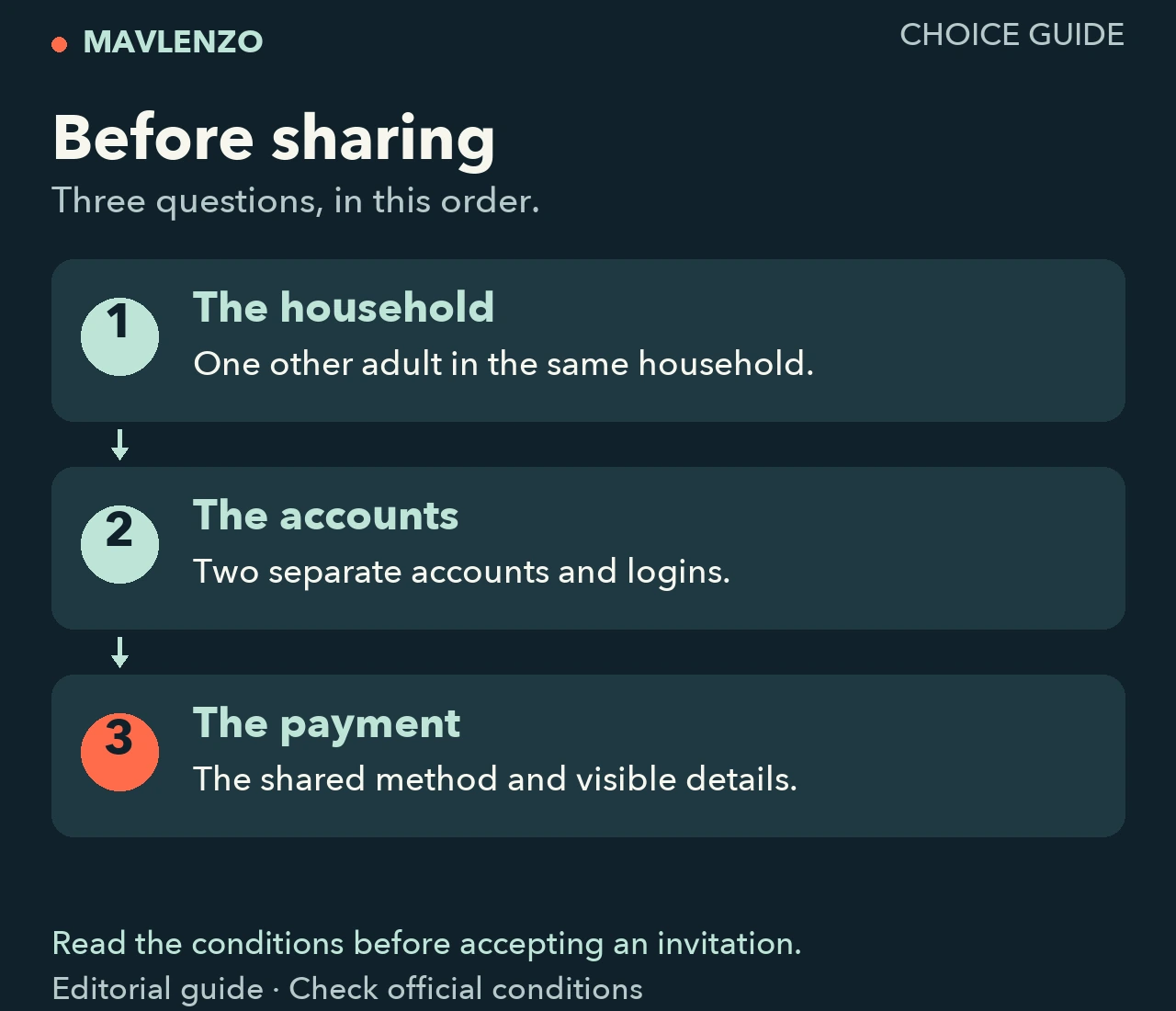
The documented route, without sharing your login
- Start from the Prime member’s account. Amazon directs readers to the Amazon Family Hub, or Your Account → Your Amazon Family. First check that the membership qualifies.
- Read the terms and select the shared payment method. Review the information that will become visible before confirming. Exact labels may differ from those in the announcement.
- Invite the other adult, who then accepts. This is Amazon’s documented sequence, using separate accounts. Sending your password is not a substitute for accepting an invitation.
After acceptance, check the other adult’s account for access to a title marked as included with Prime. The outcome to confirm is the benefit on that account, rather than the presence of a profile on your TV.
A film still asks for payment: what should you check?
The Prime Video Terms of Use distinguish access through subscriptions, rentals and purchases. The Usage Rules also describe separate fees for add-on subscriptions. A payment request alone therefore does not establish that your invitation failed.
- Is the title included with Prime? Check its access option on the detail page before making a transaction.
- Is it an add-on channel, rental or purchase? Ask about that specific offer: the documents we read do not establish that its entitlement transfers between the two accounts.
- Do you need an ad-free option or simultaneous viewing? Confirm that requirement for Canadian Family sharing. The general rules describe limits per account and regional variations; having two accounts does not establish that you can multiply the limits.
The terms also explain that the catalogue and language versions vary by location and time. A US listing or procedure does not establish that the same title is available in French in Canada.
Video transcript
- In Canada, Amazon describes sharing Prime Video with one other adult in the same household.
- Each adult keeps their own account, order history and recommendations.
- One payment method is shared; check the visible details and its use before the invitation.
- Prime Young Adult is excluded; check add-ons and viewing needs separately.
If the option is missing: ask a specific support question
Use this short message for Amazon support, replacing only the bracketed text:
“I am in Canada. My membership is [exact name]. I want to share Prime Video with another adult in my household using their own account. We have reached [option missing / invitation received / invitation accepted / access missing]. The message is [text without personal details]. The title or offer involved is [name and displayed access option]. Which condition is preventing access?”
Do not include passwords, one-time codes or payment details. Before removing a member or recreating a Family to fix an issue, also ask whether a waiting period would apply before joining another Family: we could not verify that rule in Canadian help. For a problem limited to one device, our device selection guide helps you identify the model and operating system.
Sources and method
This documentary guide was checked on October 25, 2026, Montréal time. It uses Amazon Canada’s English and French announcement, the Prime Video terms updated on August 26, 2026 and the Usage Rules. The official applicable-terms index links both documents for Canada. All are Amazon sources; the announcement’s two languages are not independent confirmations. Canadian operational help and the account hub could not be inspected: no invitation or playback was tested. The two diagrams and animation are original explanations, without a recreated account interface.
Disclosure: Mavlenzo offers a separate IPTV service. This guide does not imply an Amazon affiliation or include Prime Video in our offers. Find the next task in our other guides.