Before pressing Play on Kanopy, check your remaining tickets, the title’s ticket cost and its stated access period. Having enough tickets is only part of the decision: you also need time to finish. You may be better off watching now, waiting, or choosing a title marked as requiring zero tickets.
This guide is for users of participating public libraries in Canada. It offers a pre-play worksheet and two fictional examples based on official pages checked on November 5, 2026. We did not access a library account or test playback.
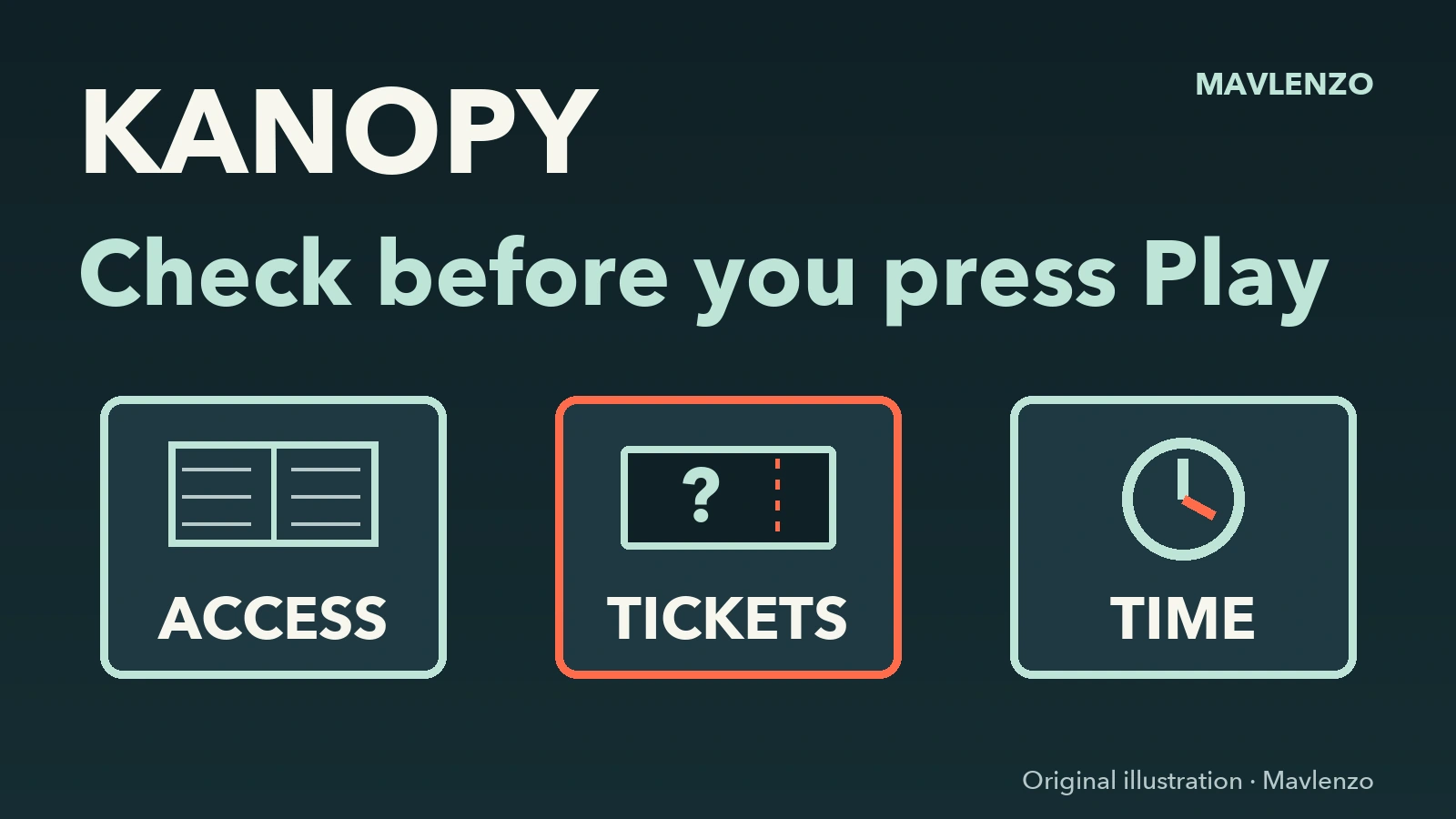
Complete the worksheet before pressing Play
Open Kanopy through your library’s official link and check which library is associated with your access. Then record the five items below. Keep your worksheet private and leave out your library card number, PIN and password.
| Record | Check | What to decide |
|---|---|---|
| Library and eligibility | Does your library offer Kanopy, and is your card eligible? | Ask the library to confirm access if you are unsure. |
| Current balance | How many tickets does your account show remaining? | Use that balance, not the advertised monthly allowance. |
| Title cost | How many tickets does this film or item require? | Compare the cost with your balance and calculate what will remain. |
| Access period | What viewing period is stated for this title? | Do not confuse it with the film’s running time. |
| Your viewing plan | When will you actually be able to watch and finish? | Wait before starting if your schedule does not fit the stated period. |
Kanopy’s ticket help places the remaining balance in the upper-right corner of the home page. Each title shows its ticket cost and access period. Read both for the item you have chosen: “two tickets” and “72 hours” are not universal rules.
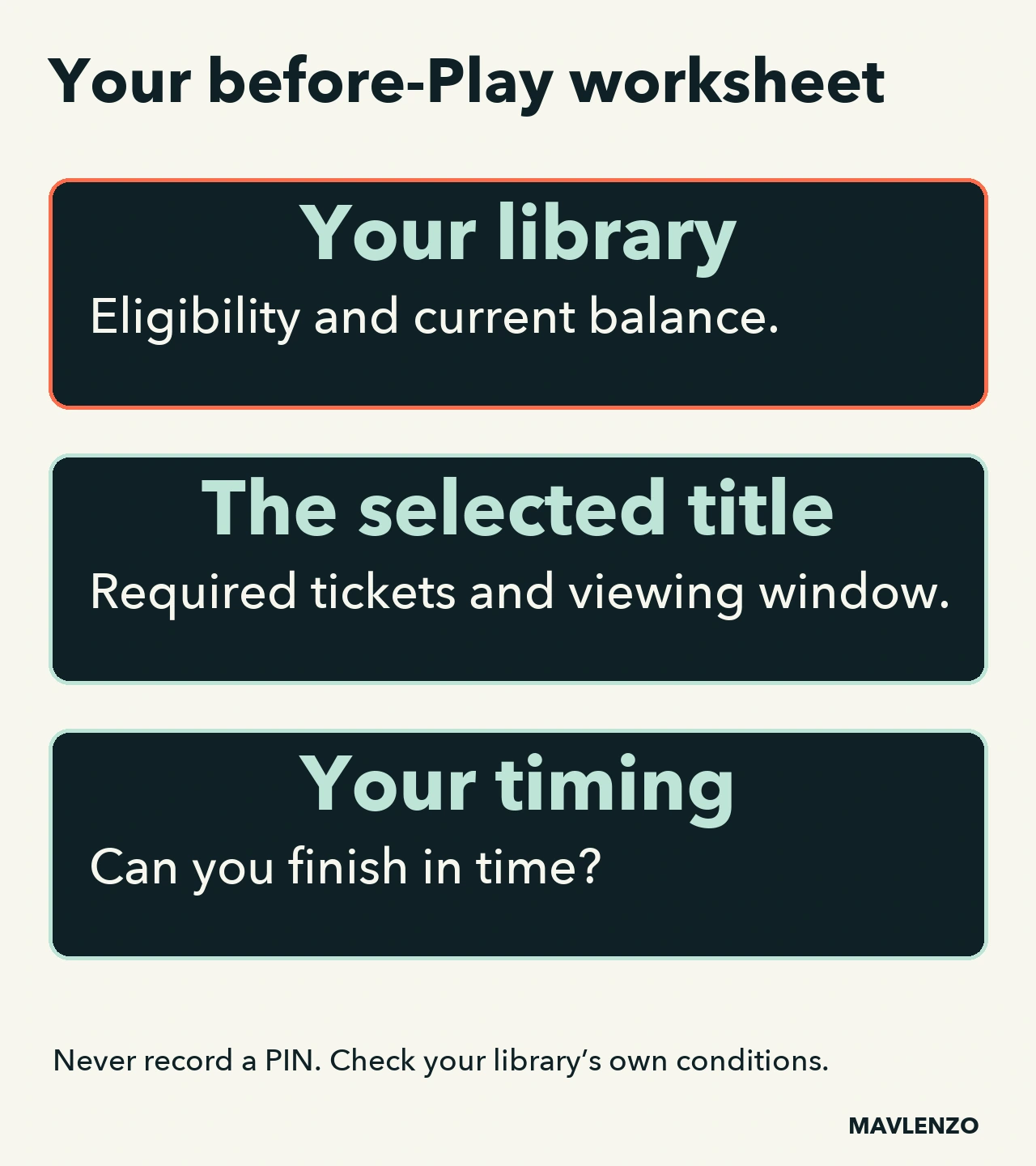
Why the allowance depends on your library
There is no single allowance to apply to every Canadian reader. Two official library listings show the difference at the time of our check:
- BAnQ lists a bank of five tickets for its Kanopy service. That listing does not establish your personal eligibility; confirm your access with BAnQ.
- Burnaby Public Library lists 20 tickets per month and specifies access for Burnaby residents with their library card.
Those allowances do not guarantee five or twenty films, and they are not your balance after use. If your library provides five tickets and you have already used two, your next decision starts with the three remaining tickets.
Two examples to help you choose
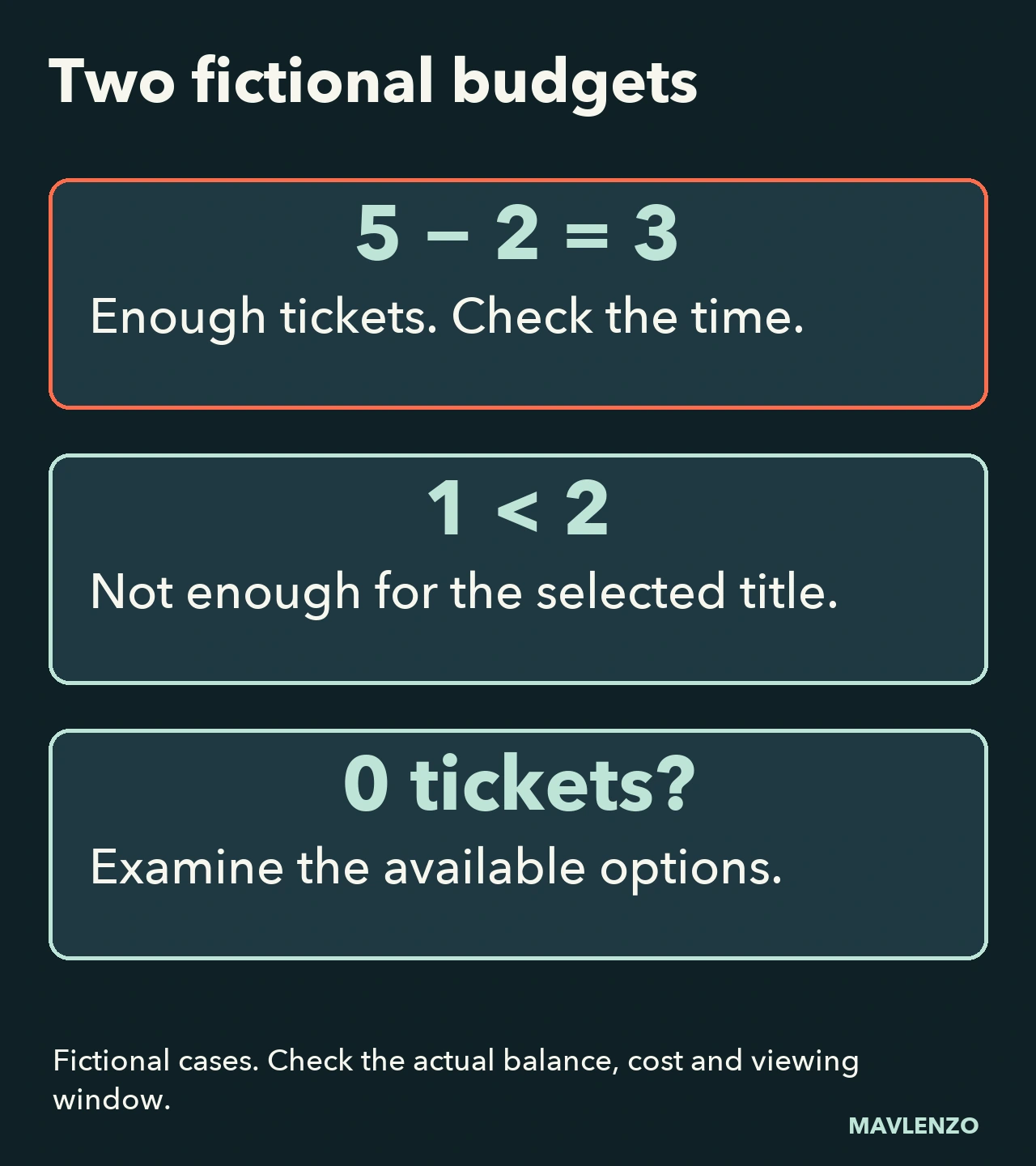
Fictional example A: five tickets, a two-ticket title
Suppose your balance is 5 tickets, the title requires 2, and it states 72 hours of access. The calculation is 5 − 2 = 3 tickets remaining. You have enough tickets; you still need to decide whether your schedule lets you finish within the stated period.
If your only free time falls later than that period allows, wait before starting the film. Base your decision on the viewing period listed for this title. This example does not establish an actual expiry time or promise 72 hours for other titles.
Fictional example B: one ticket, a two-ticket title
With 1 ticket remaining and a title that requires 2, you are one ticket short. Look for a title explicitly marked as requiring 0 tickets at your library, or wait for the next allowance renewal. Kanopy Kids does not require tickets, although its content still needs to suit what you want to watch.
Do not start another ticketed title simply to try it: BAnQ states that the required tickets are used as soon as you press Play. These two scenarios are teaching examples, not observations from an account.
Monthly renewal and viewing access are separate checks
Kanopy says tickets reset on the first day of the month, and unused tickets do not roll over. That does not mean each title remains available to you until the end of the month. Check its own viewing period; we do not specify an exact renewal time or promise an automatic extension.
Before making your choice, read your worksheet again: eligible access → enough tickets → a viewing period that fits your schedule. If a value is missing or contradictory, verify it in the service or with your library before using tickets.
If your library or card is not recognized
Kanopy’s official library setup guide explains how to find your library and supply the card information requested by the service. Some libraries send you to their own website to sign in.
A library missing from the search may not offer Kanopy. Contact it to confirm. Seeing another library in a comparison does not give you access to its service; use only a library where you hold an eligible membership.
Watch the decision in an animation
This original Mavlenzo animation walks through the worksheet and the two fictional examples. It uses explanatory diagrams rather than a recreation of Kanopy’s interface. Turn on the English captions; a transcript is provided below.
Video transcript
- Check your library
and your card’s eligibility. - Each library sets its allocation.
Do not use another library’s quota. - Original documentary diagram.
No account has been tested. - Fictional case: you have five tickets.
The selected title needs two. - Five minus two leaves three tickets.
That is not five guaranteed films. - Read the cost shown for this title.
It varies with the content. - In this fictional case, the title
shows a seventy-two-hour window. - This window applies to this title.
It is not a universal duration. - Check the viewing window
and the time you have available. - Enough tickets and time to finish?
You can decide whether to begin. - If the timing does not suit you,
wait before starting the film. - BAnQ deducts tickets when you play.
Choose your starting time carefully. - Another fictional case: one ticket
left, but the title needs two. - There are not enough for this title.
Look for a zero-ticket option. - Or wait for the monthly reset.
Choices depend on your library. - Tickets reset on the first of the month.
Unused tickets do not roll over. - Recheck balance, cost and duration
before your next choice. - Keep your worksheet free of PINs.
See the guide for sources and limits.
Sources and limits
We read Kanopy’s French-Canadian and English help pages, plus the BAnQ and Burnaby listings, on November 5, 2026. Allowances, eligibility and titles can change; check the cost and period displayed for your title when you choose it.
Explore our Guides for other viewing and setup needs. Mavlenzo is a separate service: no affiliation with Kanopy or the libraries named here is claimed, and our plans do not provide access to their accounts.