To stop Netflix in Canada, distinguish cancelling your membership from an eligible pause that ends with automatic paid resumption. A pause is not an open-ended stop to billing. Before confirming anything, identify your current membership state, the next date and who actually bills you.
This guide brings cancellation, pause and restart into one timeline so you can choose the outcome you want. Documentary rules were checked on November 1, 2026, with Canada selected in Netflix Help. We did not cancel, pause or restart an account. The original illustrations are schematics, not account screenshots.
Start with the outcome you want
- You do not want an automatic return: review cancellation, its confirmation and the displayed access-end date.
- You expect a short break and accept a paid return: consider pause only if your account offers it.
- You want to return early: check whether you are unpausing or reversing a cancellation. They have different billing consequences.
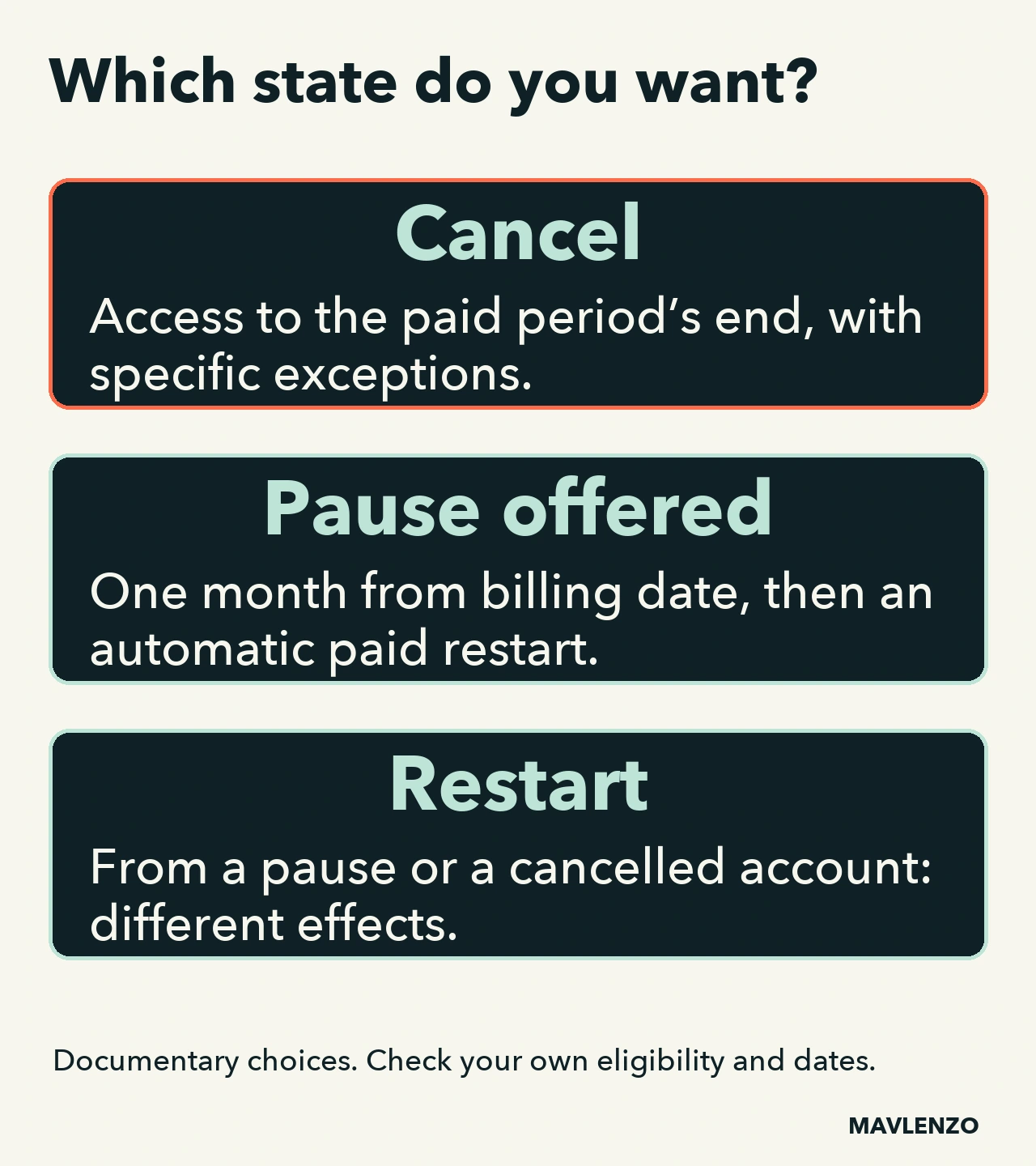
Our practical starting point: write down “I want to stop” or “I want to return on a particular date” before opening the options. That makes it easier to notice when a one-month pause would create a paid return you did not intend.
Cancellation: confirm it and check when access ends
In Netflix’s documented direct route, open the official cancellation instructions and go to Manage your membership. Choose Cancel, then complete Finish Cancellation. Netflix says it sends a confirmation email. Signing out or uninstalling the app is not cancellation.
When time remains in the billing period, viewing continues until that period ends. Netflix says there is no further charge unless the account is restarted. Use the date shown in your account’s payment history, rather than counting a fixed number of days from the cancellation click.
Two special states change the timeline: cancelling an account already on hold closes it immediately; an existing gift-card or promotional balance can keep access running for the service months it covers. Someone else’s access-end date is therefore not a reliable template for yours.
Pause: one month without a charge, followed by automatic resumption
Pause is not offered on the Basic plan or with some payment methods, including Direct Debit, gift cards and certain partner payments. Check whether your account offers the option; it is not guaranteed to every Canadian subscriber.
If pause is available and suits your aim, the cancellation page offers Pause for 1 Month. Its documented sequence is:
- Before the next billing date: you can still watch.
- On that date: the membership charge is skipped and the paused month starts. Streaming and downloading are unavailable, while browsing and adding to My List remain possible.
- After the paused month: viewing resumes and the current plan price is charged, unless your situation has changed in the meantime.
An extension may be offered one week before automatic resumption, for another month, up to a total of three paused months. Payment eligibility still matters. If your aim is to prevent the return, review the account options before the displayed date instead of assuming the pause will keep extending itself.
Returning: distinguish three membership states
- Your membership is paused.
- Choosing Unpause Now causes an immediate membership charge and updates the billing date, with viewing restored. It is not merely a way to inspect the account.
- You cancelled but can still watch.
- The documented restart or undo-cancellation route keeps the billing date, according to Netflix’s restart instructions.
- You see a welcome-back flow and must complete setup.
- You may need to confirm settings or payment details, and the billing date may become the date you restart. Read the displayed terms before confirming.
To recover an existing account, begin with Sign In rather than a new sign-up. If Netflix cannot find it, check the email address and follow its sign-in help. That message alone does not establish whether a previous membership is still active or cancelled.
Payment partner: do not assume the direct buttons apply
If the cancellation option is missing, the account’s Membership section may provide a payment-partner link or contact instructions. A partner’s billing date can differ from Netflix’s date. Have that seller confirm the outcome; this guide does not invent a universal Bell, TELUS or other partner menu.
There is also a different situation: moving to a package that actually includes Netflix. The help page recommends linking your existing account using that package’s instructions rather than cancelling first. Once linked, Netflix stops charging the payment method it had on file. Verify the particular offer; this does not establish that every telecom package includes Netflix.
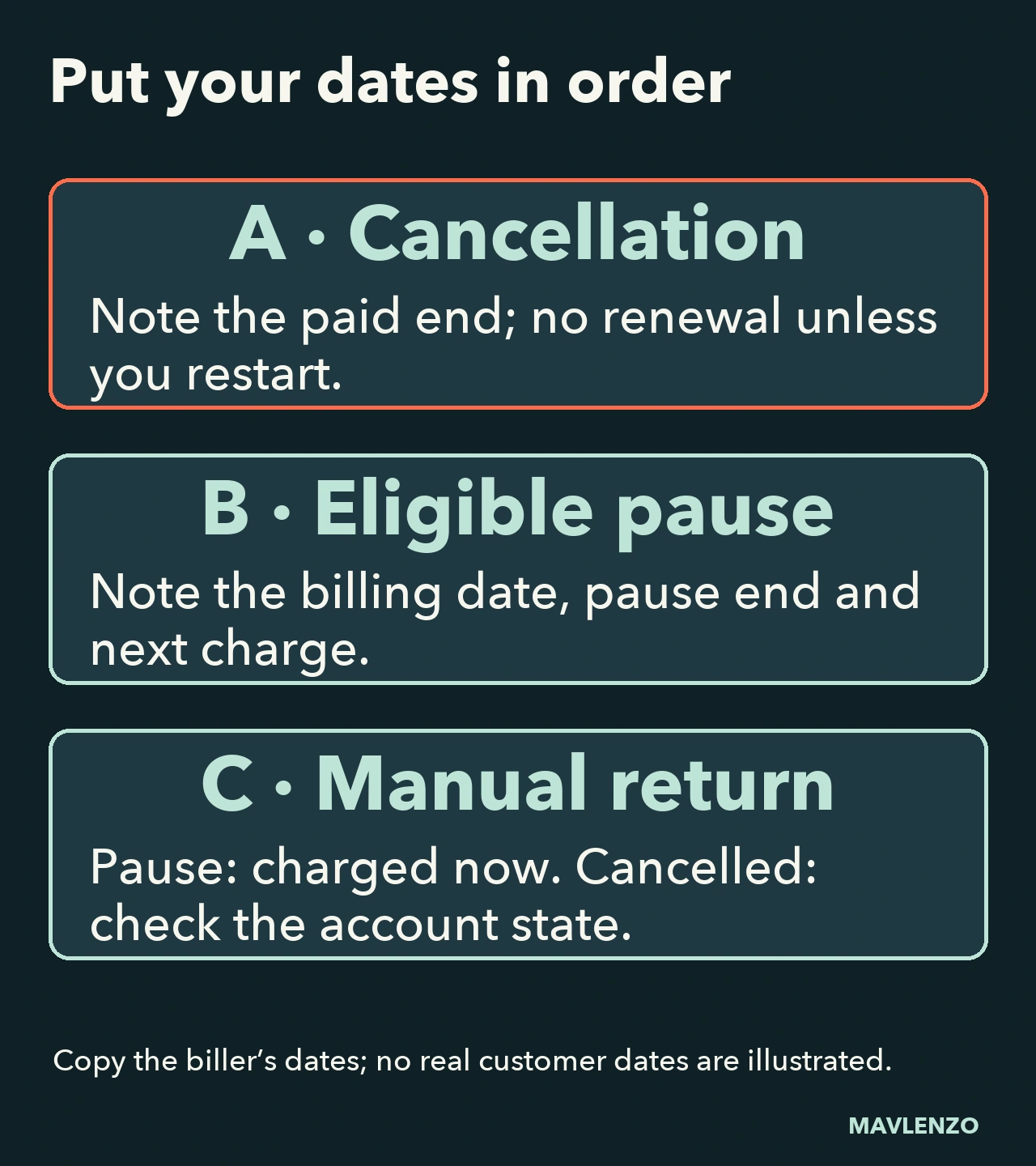
Keep a timeline worksheet before confirming
Copy these five lines from your own account without sharing a password or payment details:
- Current state: active, cancellation requested, paused or on hold.
- Seller: Netflix directly or the named partner.
- Chosen action: cancel, pause or return.
- Displayed dates: access ending, pause starting/ending and next billing, as applicable.
- Evidence and next check: confirmation received and when to review the situation.
A reasoning example, not a real bill: if you want to stop with no return planned, a paid restart after one month does not meet that aim. If you want to return before a pause ends, allow for the immediate charge associated with unpausing. The worksheet makes that distinction visible before the click.
Use the billing-date and payment-history instructions to check the record. A charge can take several days to appear after the cycle begins; compare its amount and period with the confirmation before treating it as a new renewal. An unresolved issue belongs with the seller, rather than an experimental restart to “see what happens”.
Watch how stopping, pausing and returning differ
The following original animation explains membership states and timing with schematics. It does not reproduce Netflix’s interface or record an account operation. Turn on captions or open the transcript.
Video transcript
- Identify the biller and your
membership’s current state. - No Cancel option? Follow the
payment partner shown in Account. - Within a paid period, viewing lasts
to its end, with specific exceptions. - If the account is on hold,
cancellation closes it immediately. - Pause depends on the plan
and payment method. - At the billing date: one month free
of charges, then paid auto-restart. - While paused: no streaming
or downloads. - An extension may be offered.
The documented total is three months. - Unpausing an active pause
triggers an immediate charge. - Viewing resumes and the
billing date is updated. - Cancelled, but still able to watch?
Restarting keeps the billing date. - Account closed with a return setup?
The billing date may change. - Copy the displayed dates.
Keep the action’s confirmation. - Check payment history and the biller.
Their billing dates may differ.
Sources, scope and related guides
The rules come from three pages from one provider: cancellation and pause, restarting and billing dates. They are not a subscription test or a promise of personal eligibility. Recheck the options, dates and any payment-partner conditions shown for your account before confirming.
If you are choosing a plan instead, see our Netflix Canada plan comparison. Our Crave cancellation guide by billing provider covers another service; its buttons do not replace Netflix’s own route.