To choose Paramount+ in Canada, first count streams playing on separate devices at the same time. Official help checked on November 3, 2026 lists one simultaneous stream for Basic with ads, two for Standard and four for Premium. Standard already includes downloads, so that need alone does not justify moving to Premium.
Premium is worth examining when you need more than two simultaneous streams or higher video formats on compatible titles and equipment. This guide compares needs; it does not offer a guaranteed price, a free trial or a tested catalogue.
The Canadian plans, without importing the US offer
The official international plan guide explicitly names Canada in these three groups:
- Basic with ads: Full HD, one stream at a time, with advertising.
- Standard: Full HD, two streams at once, advertised ad-free streaming and downloads for watching on the go.
- Premium: four streams at once, downloads, and 4K UHD, HDR10, Dolby Vision and Dolby Atmos subject to playback conditions.
Do not confuse Basic with ads with “Basic (Mobile Only)”, which the same page lists for Mexico and Brazil. We also do not import US plan features into this Canadian comparison. A plan name in another country is not enough to describe your subscription.
“Ad-free” has limits: Paramount+ says all plans can include service promotions, trailers and sponsorship. Live content, if available, can contain advertising breaks. Standard or Premium therefore does not mean that every promotional message disappears.
Three situations that change the choice
These examples are fictional. They compare needs rather than representing customers or Mavlenzo tests.
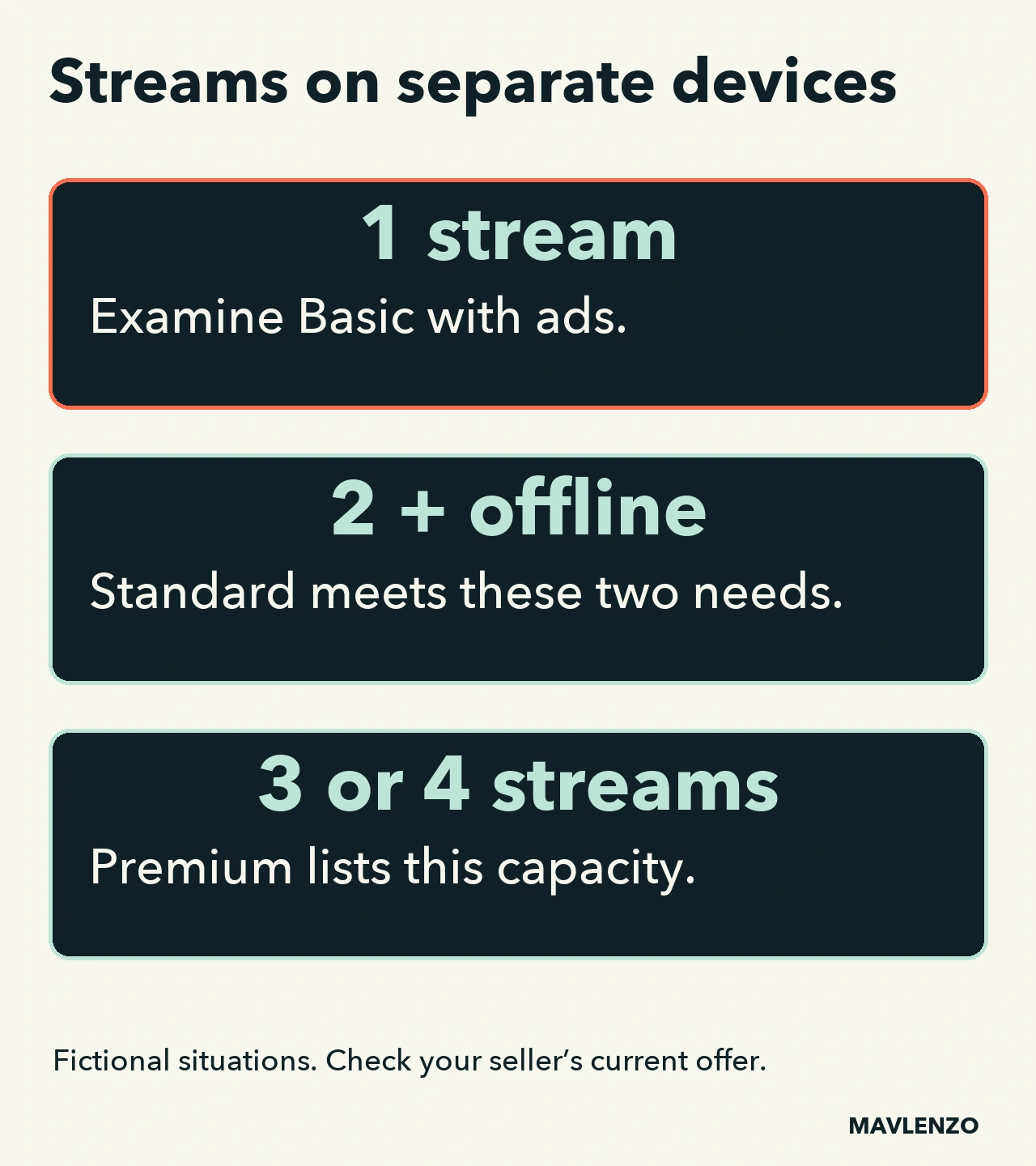
- One viewer, with advertising acceptable: Basic with ads is a plan to examine. Check your seller’s offer and the features you need. Our source does not confirm downloads in its Basic feature list; we do not assume they are included.
- Two streams on separate devices at overlapping times, with a download need: Standard meets those two criteria in the checked documentation. Owning four devices does not by itself create a need for four simultaneous streams.
- Three or four streams genuinely need to run together: Premium is the plan listed with four simultaneous streams. If the need is instead 4K, complete the compatibility checks below before deciding.
Our method: write down your busiest viewing evening and count the streams that overlap. A television used at 7 p.m. and a tablet used only at 9 p.m. do not create two simultaneous streams. Two people watching the same television use one stream. This separates people, devices owned and simultaneous streams.
A 4K television is not enough
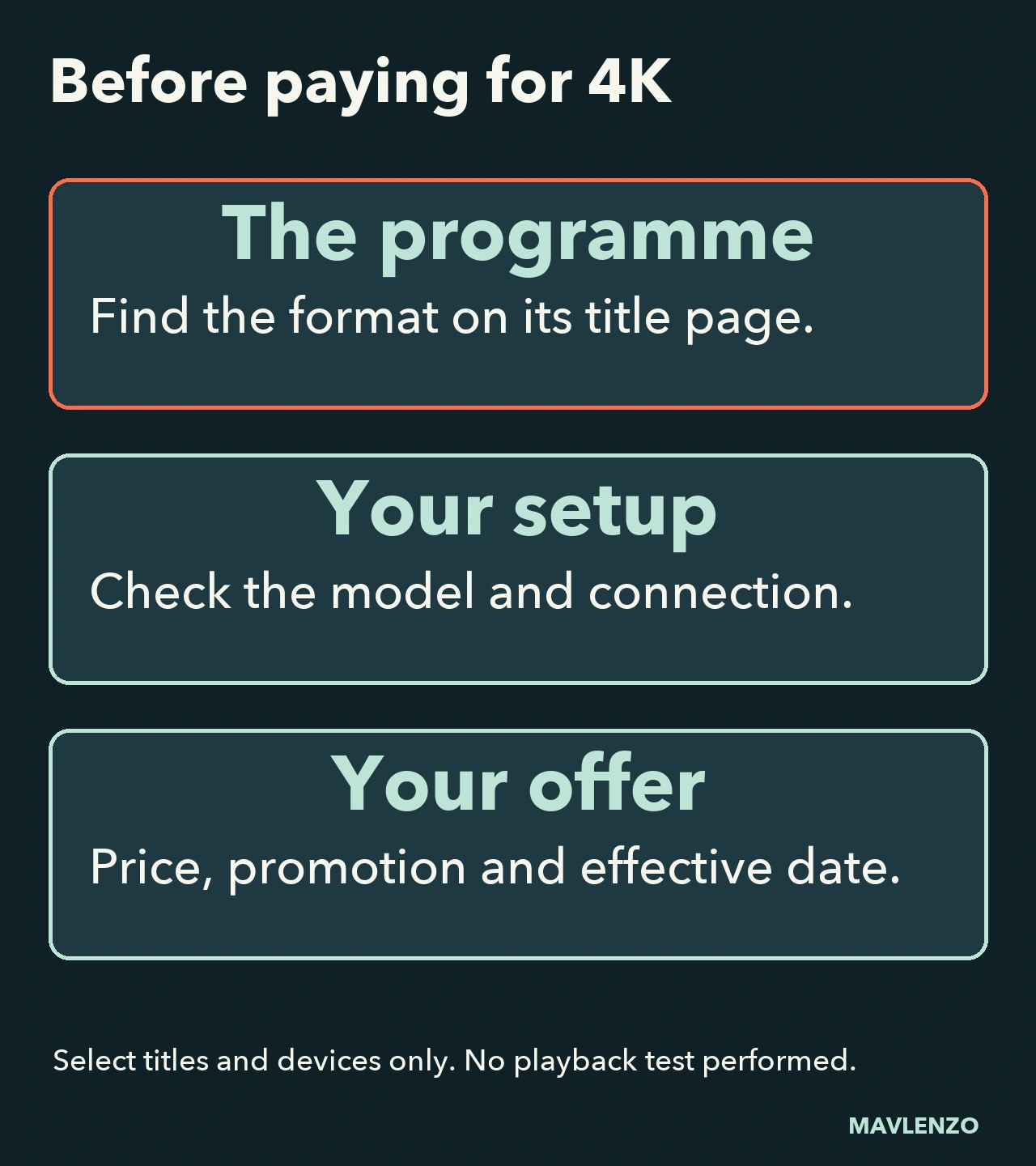
The official premium video help limits these formats to select titles and devices. It recommends an internet connection of at least 15 Mbps and compatible equipment. That recommended speed does not guarantee playback quality in your home.
- Look for the format label on the show or movie you want to watch.
- Check your exact model and playback chain in Paramount+ documentation: television, player and connections, as applicable to your setup.
- Then compare the expected benefit with your seller’s Premium offer. Do not buy solely because your screen has a 4K label.
The official device list says support also depends on country and plan. Our Guides section can help you continue checking your setup.
Before switching: seller, price and effective date
Features do not settle the cost decision. Record the current offer’s price, currency, applicable taxes, billing frequency and any promotion. This comparison does not quote a numerical price: we have not verified your checkout or personal offer.
For a subscription purchased directly on paramountplus.com, official help describes upgrades as immediate, with a promotion potentially not carrying over. A downgrade starts at the end of the current billing period. For Amazon, Apple, Google Play or Roku billing, Paramount+ directs billing questions to that partner. Check the displayed amount and effective date before confirming; we have not changed any account.
Your private decision worksheet
- Streams that actually overlap: ___
- Downloads needed: yes / no; intended device: ___
- Desired title and format, supported model checked: ___
- Seller, current plan, price and billing period: ___
- Promotion kept or lost, new charge and effective date: ___
If Standard meets the verified needs, compare its current offer first. If an essential feature is missing, examine Premium. If compatibility or price remains uncertain, obtain that information before paying. You do not need to send us this worksheet or any account details.
Watch the decision process
This original Mavlenzo animation illustrates simultaneous-stream counting and checks before choosing. It does not reproduce the Paramount+ interface or represent a test of the service.
Video transcript
- Count simultaneous streams,
not every device you own. - Two devices playing at the same time
require two simultaneous streams. - This diagram covers Canadian plans,
without testing an account. - Basic with ads lists one stream
at a time in Full HD. - Advertising needs to suit you.
Check the other features you need. - Do not confuse this plan
with a foreign mobile-only offer. - Standard lists two simultaneous
streams and downloads. - Downloads alone therefore do not
necessarily require Premium. - Promotional messages can remain
even with an ad-free streaming plan. - Three or four overlapping streams?
Examine the Premium plan. - Premium also lists formats such
as 4K, subject to conditions. - Choose for your needs, not simply
for the number of devices you own. - Check the title and its format,
then your supported equipment. - A 4K television alone does not
guarantee a programme plays in 4K. - Your connection matters too.
We have not tested your screen. - Identify the seller billing you
and compare its current offer. - Check the charge, promotion
and effective date of the change. - Original Mavlenzo diagram.
Sources and limits are in the guide.
Sources, method and limits
The three Paramount+ help pages linked above were read on November 3, 2026, Montréal date. The international plan page explicitly includes Canada. The consulted sources are in English; the French version is our adaptation. All three come from the same provider, rather than three independent confirmations.
The scenarios, worksheet and diagrams are our documentary contributions. No customer account, payment, device or programme was tested. Prices, promotions, programme languages and title availability are not verified by this guide. Mavlenzo sells a separate service: this article does not establish a Paramount+ affiliation or include that subscription in our offers.