If Hoopla refuses a borrow while My Hoopla still shows monthly borrows, read the message before assuming you are out of monthly borrows. The refusal may come from your library’s collective daily limit, the title type — Instant or Flex — or a local restriction.
This documentary guide is for patrons of participating Canadian libraries. We did not use a Hoopla account, library card or playback test. The rules displayed by your own library remain decisive.
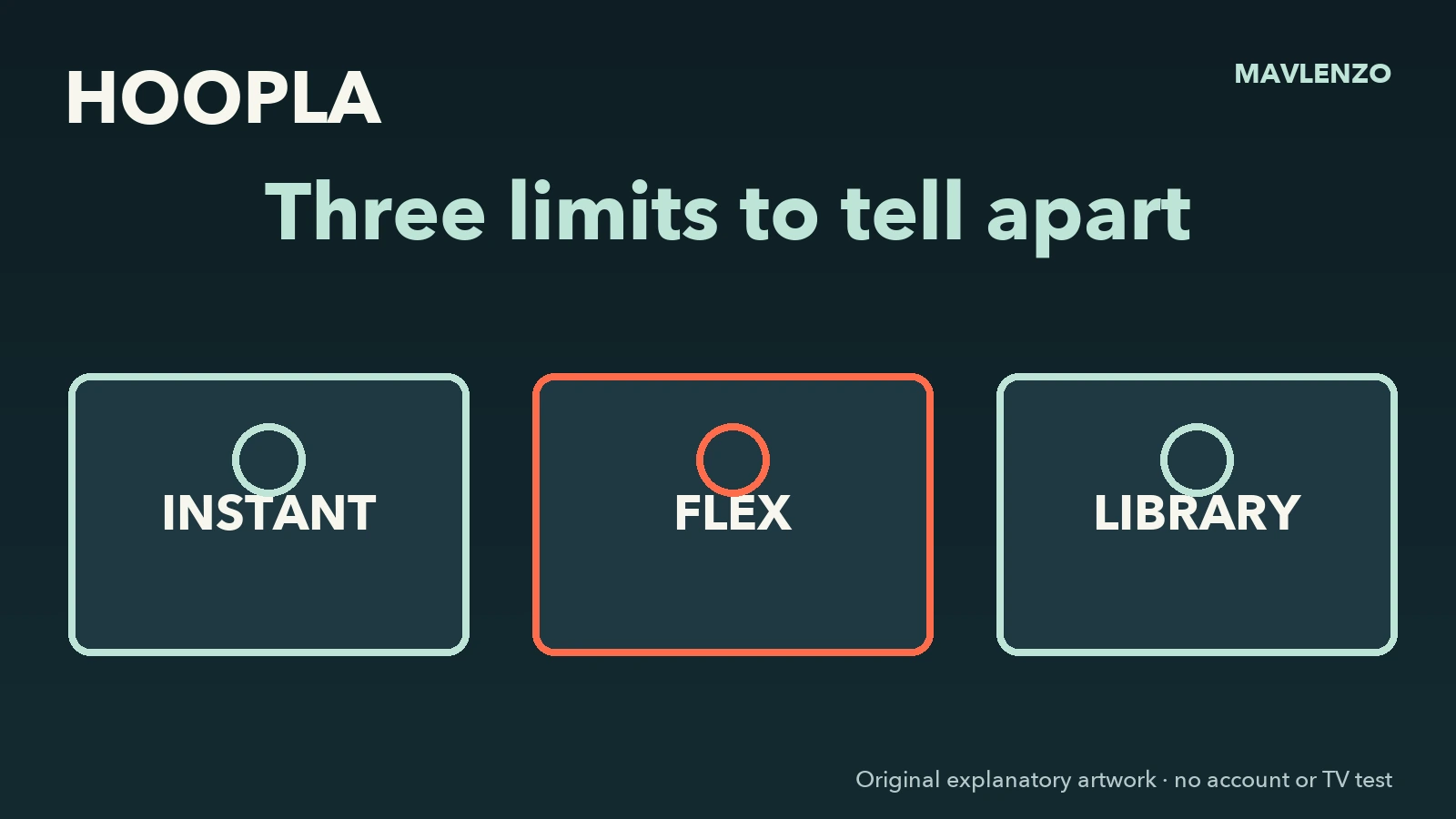
Three limits to tell apart
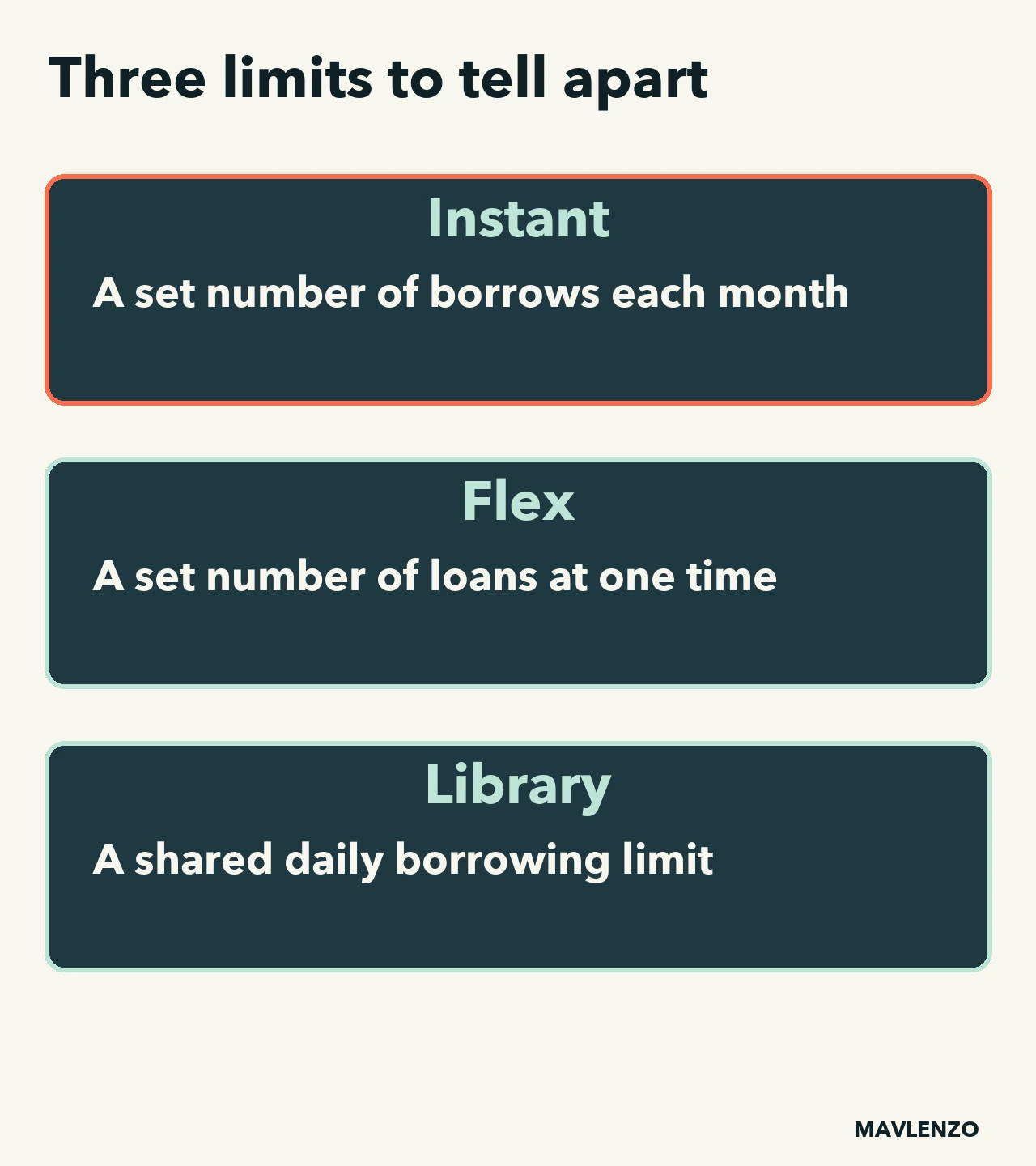
Instant titles draw on a monthly allowance. If your library offers Flex, there is also a limit on how many Flex titles you can have on loan at once. The collective daily limit is shared across library patrons.
Hoopla therefore explains that a patron can receive the collective-limit message even without borrowing anything that day. It does not prove a card problem and does not necessarily mean the monthly balance is zero.
Your limit depends on your library
Hoopla says that limits are set locally. Check the balance shown in your account and your library’s own page before deciding: this guide does not state a Canada-wide figure or assume a quota for your card.
Message-led diagnostic worksheet
| Observation | What it means | Next action |
|---|---|---|
| Instant borrows remain | You have monthly Instant borrows left. | For a Flex title, check your Flex slots and copy availability separately. |
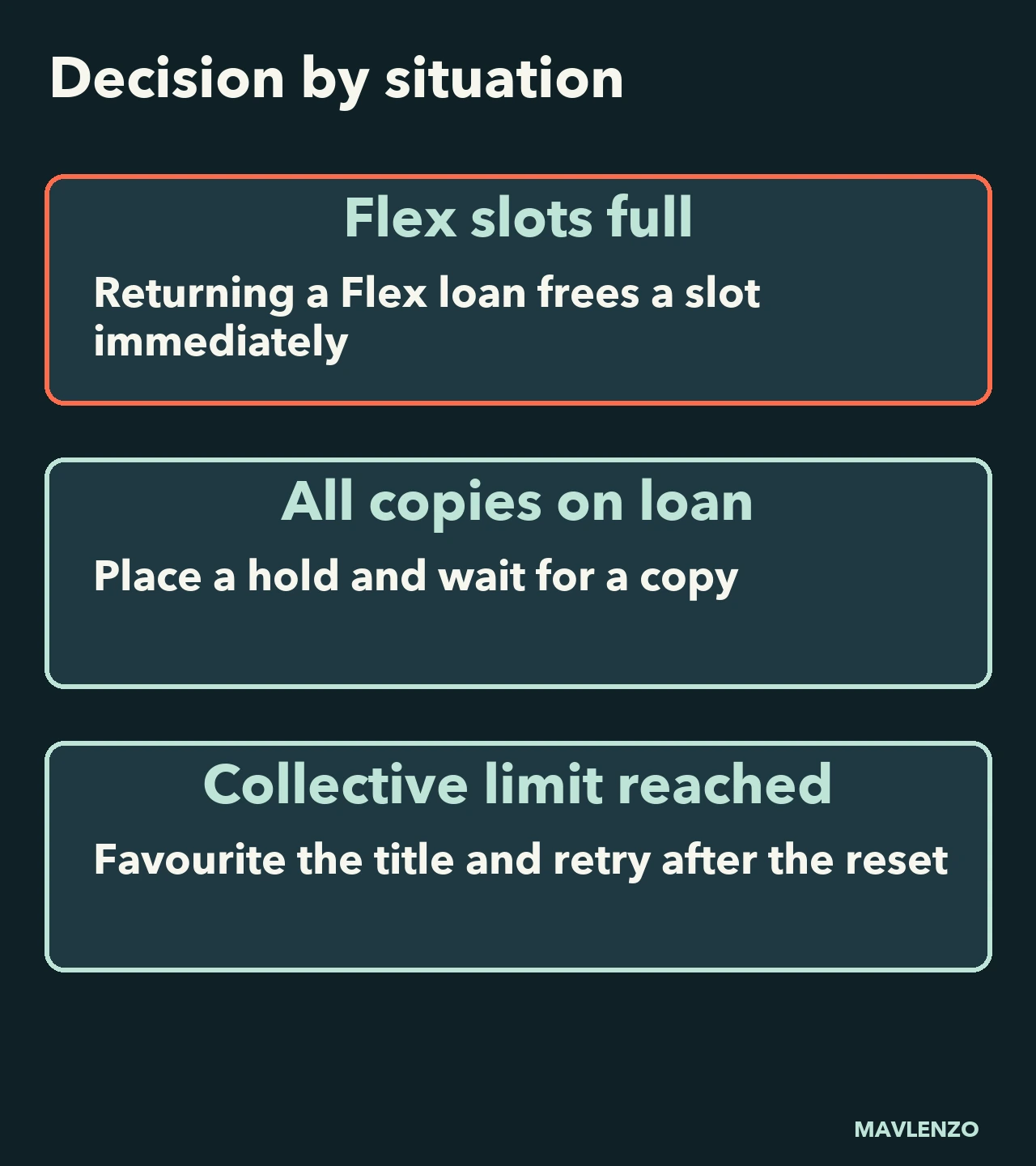
| All your Flex slots are full | You have reached your simultaneous Flex loan limit. | Return a finished Flex title to free a slot. |
| Collective limit reached | The library-wide shared daily budget has been reached. | Favourite the title and retry after Hoopla’s stated reset. |
| Instant title | The title is normally immediate when limits allow it. | Check the displayed borrowing period first. |
| Flex title without a copy | All digital copies are checked out. | Place a hold and wait for a copy to return. |
| Local or authentication restriction | The library or account needs a check. | Contact the library without posting your PIN. |
Instant and Flex follow different paths
In Hoopla’s guide to Flex, lightning identifies Instant titles and rotating arrows identify Flex. Returning a Flex title early immediately frees a slot for another Flex loan. If every copy is checked out, place a hold even when you have a free slot.
Hoopla describes a three-day borrowing period for movies and television. Still check the actual title and your library’s conditions at the time of borrowing; we do not promise access, a local reset hour or a copy’s availability.
Four legitimate next steps
- Favourite: save an Instant title when the collective limit is reached.
- Hold: wait for a Flex copy rather than repeatedly retrying.
- Renew: use the option only if it appears; Hoopla says it may be available 24 hours before return.
- Local help: ask the library whether the message concerns a restriction, fine or authentication.
Do not create another account to bypass a rule, and never post a card number or PIN. The collective budget belongs to the library; Mavlenzo cannot change it.
Watch the decision path
The original animation below follows “balance → message → title type → action.” It does not reproduce the Hoopla interface and is not an account test.
Transcript
- Borrow refused? Read the message and identify the borrow type
- Instant: a monthly allowance Look for the lightning bolt
- Flex: simultaneous loans Return a Flex loan to free a slot
- No Flex copy available? Place a hold even if you have a free slot
- Collective limit reached? Favourite the title for later
- Check your library’s rules Keep your card and PIN private
Sources and limits
The distinctions come from Hoopla’s official pages on the collective daily limit, Instant and Flex borrowing, and error messages, checked November 6, 2026. Local terms may change.
See more Canadian streaming guides. Mavlenzo is not affiliated with Hoopla and provides no Hoopla account access.