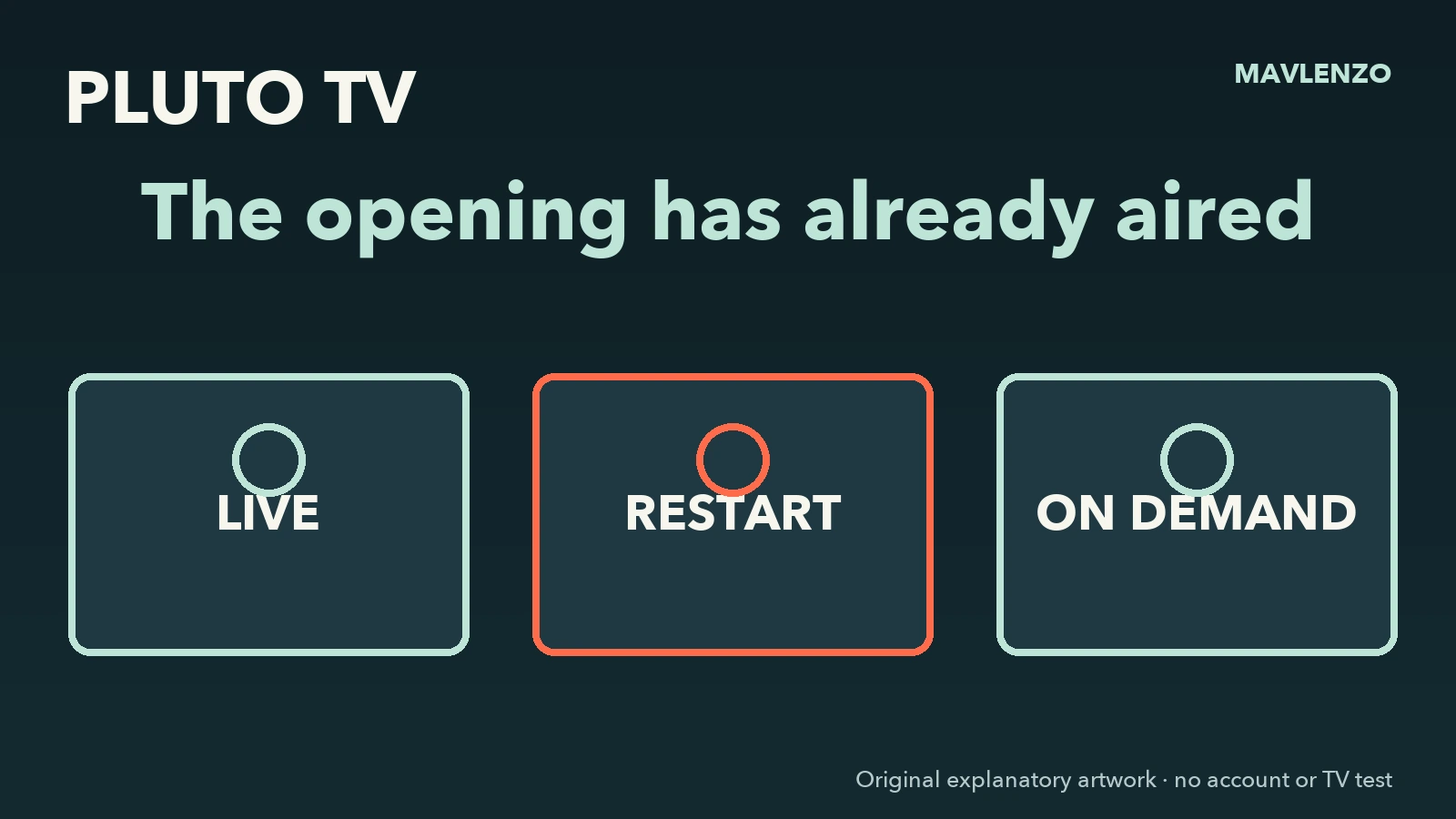
Missed the beginning of a programme on Pluto TV? If your screen offers a restart, check that the control applies to the programme currently airing. Otherwise, look for the same episode on demand or continue where the channel is now.
Check where you joined
The Canadian App Store listing from Pluto TV describes live channels and on-demand viewing. Rogers also documents both modes on its devices. A live channel follows its schedule. On demand, you choose an available title and start it when you want. A programme in the schedule may be absent from the on-demand catalogue.
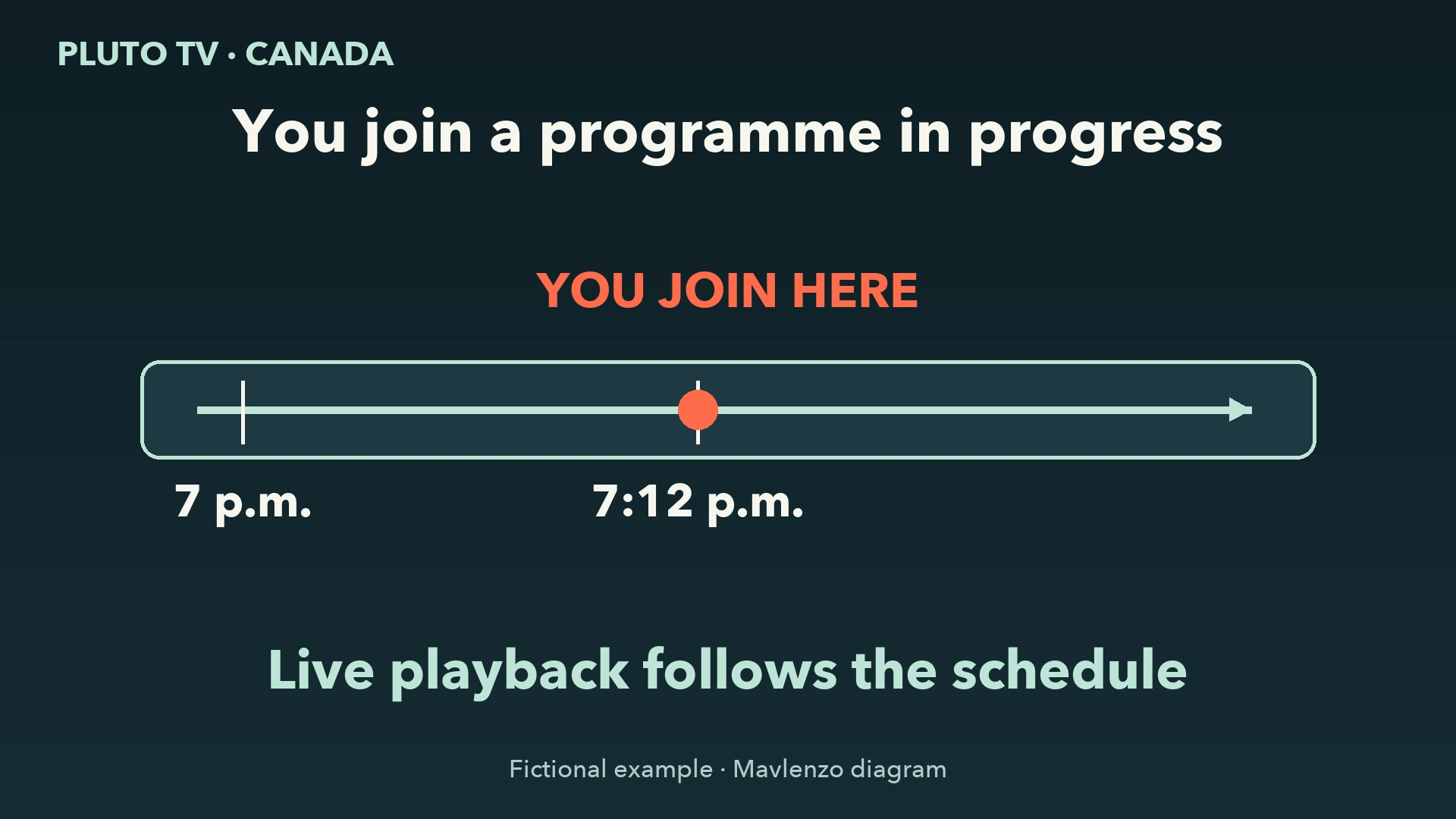
Consider a fictional example. An episode starts at 7 p.m. and you arrive at 7:12 p.m. Joining live takes you to what the channel is airing at 7:12. If the programme offers a restart, choosing it takes you back to the start. You can also launch the episode from its on-demand details if the matching edition is available.
Choose from the options you see
- You want to watch the channel now. Stay with live playback and accept that you missed the opening.
- Your screen offers to restart the current programme. Check the title, then use the option if you want to start from the beginning. Confirm that playback starts at the beginning of the programme you joined.
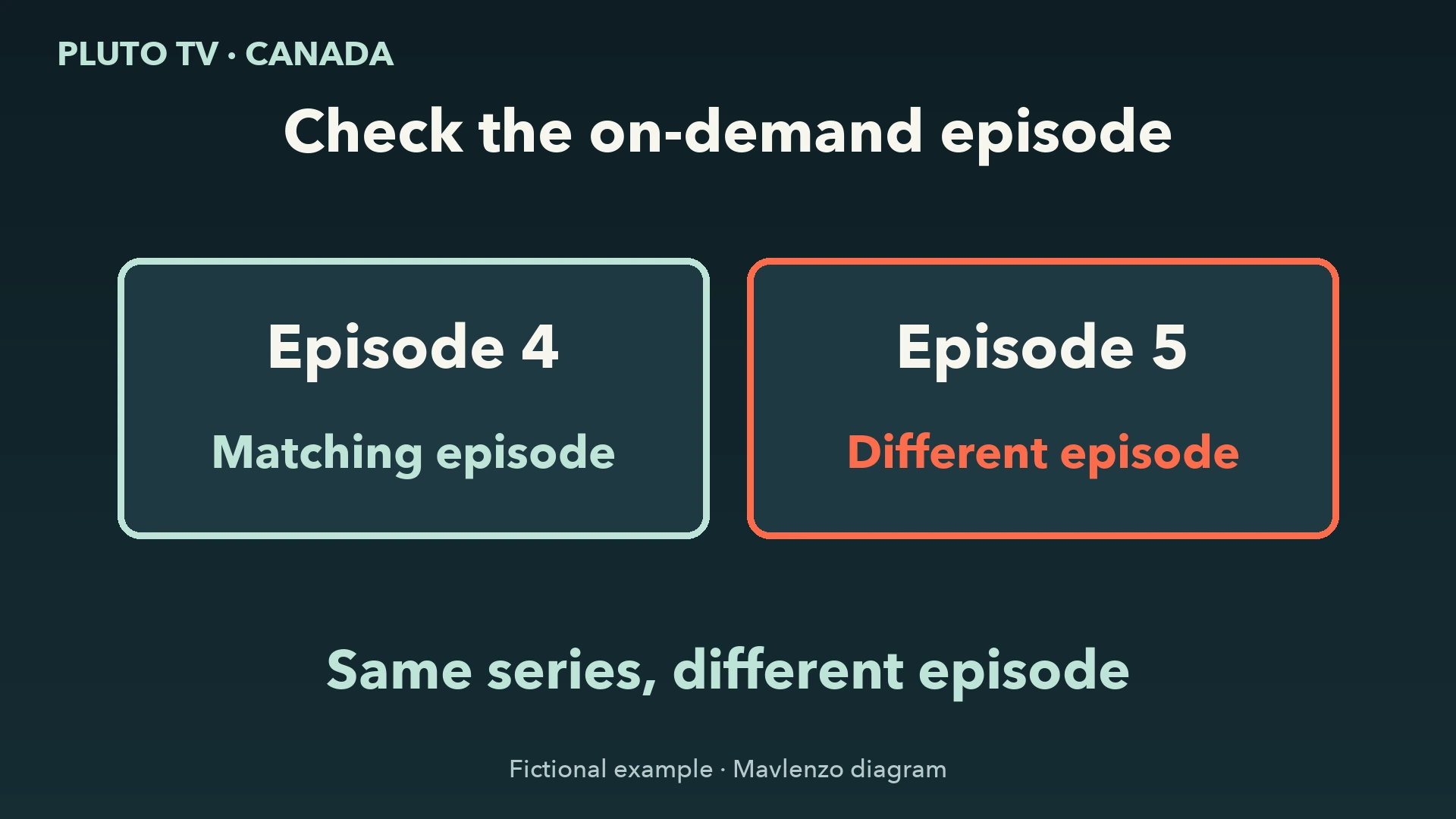
- You want the on-demand edition. Check the title, season and episode when shown. If you wanted episode 4 and the listing offers episode 5, keep looking or return to the channel. Check the language if it matters to you.
If the details are incomplete, the synopsis may help you tell two episodes apart. If you still cannot identify a match, leave availability unconfirmed. Check the channel schedule for a repeat if one is listed.
If you cannot see a restart option
In its September 23, 2026 announcement, Paramount describes a way to move from the schedule to an on-demand title when available, including restarting a programme in progress. The announcement does not specify where or on which Canadian devices the new interface is available. Use the controls you actually see. If there is no restart option, check the on-demand catalogue or return to live viewing.
Watch the three paths
The animation follows the same fictional programme at 7:12 p.m. The marker advances along the live schedule, returns to the beginning when a restart is offered, then shows the separate launch of the matching episode on demand. The transcript gives the decision at each step.
Video transcript
- You arrive at 7:12 p.m.
The fictional episode began at 7 p.m. - You stay with live playback
The channel follows its schedule - Restart offered?
Return to the start of this episode - Restart option missing?
Look for the same episode on demand - Episode 4 or episode 5?
Check the season and episode number - Matching episode available
Start it from its own listing
Sources and method
We read the Canadian Pluto TV listing, Rogers documentation and Paramount’s announcement on November 10, 2026, Montréal time. The diagrams and animation are original Mavlenzo work. We did not test a device or play a title for this guide. Mavlenzo offers a separate service and is not affiliated with Pluto TV.